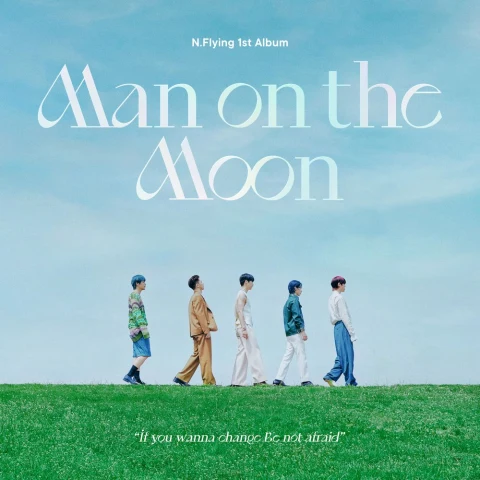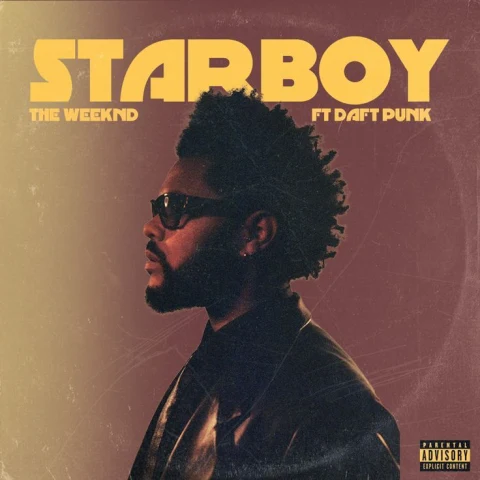


Start with a photo.
Take a new photo or choose one from your library. No prompt to write. No genre to choose first.
Photo selected
 CapMusic
Take a photo or choose one from your library. CapMusic looks at the scene and builds a playlist around it.
Download on theApp StoreMade by a team recognized with an Apple Design Award and an App Store Award.
Apple Design AwardWinner
App Store AwardWinner
We want AI to help you hear the music in what you see.
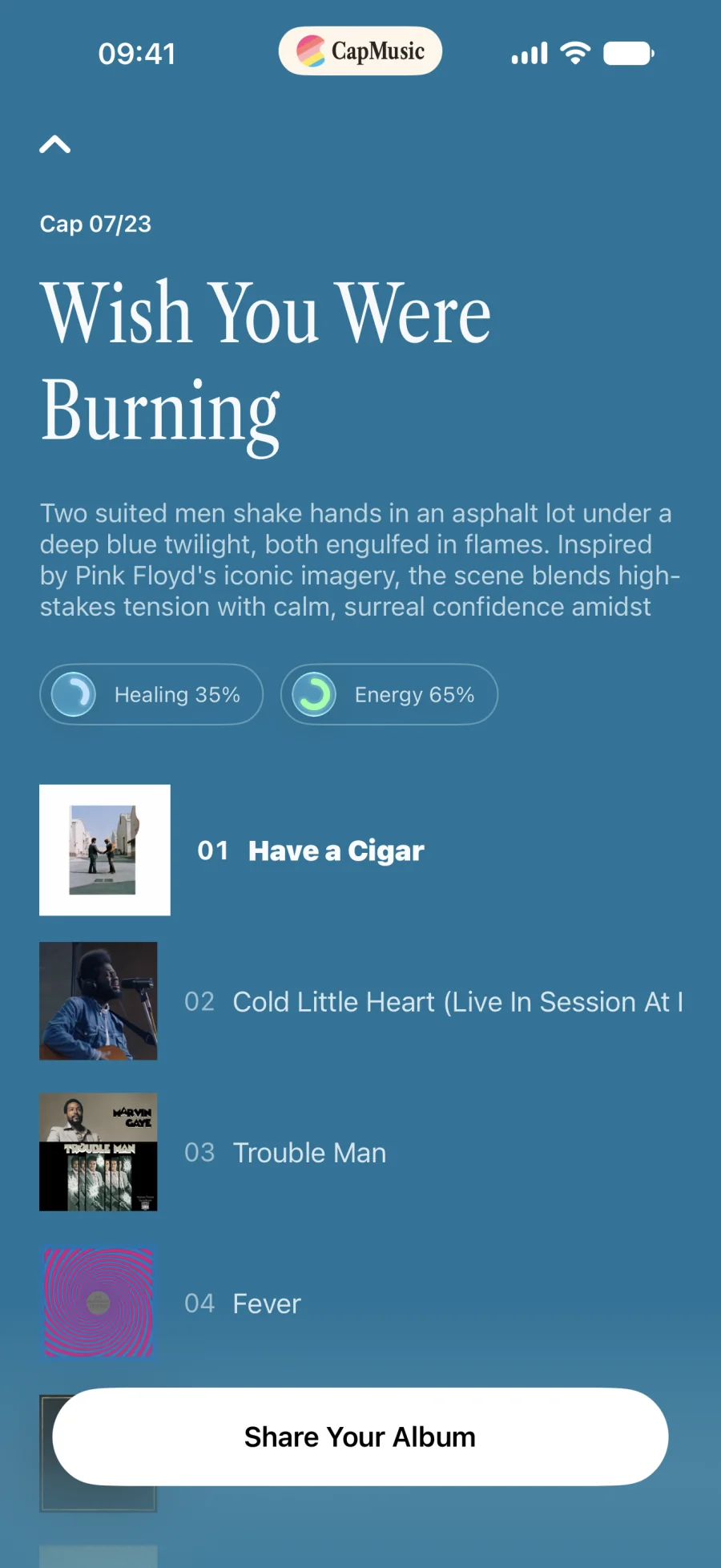
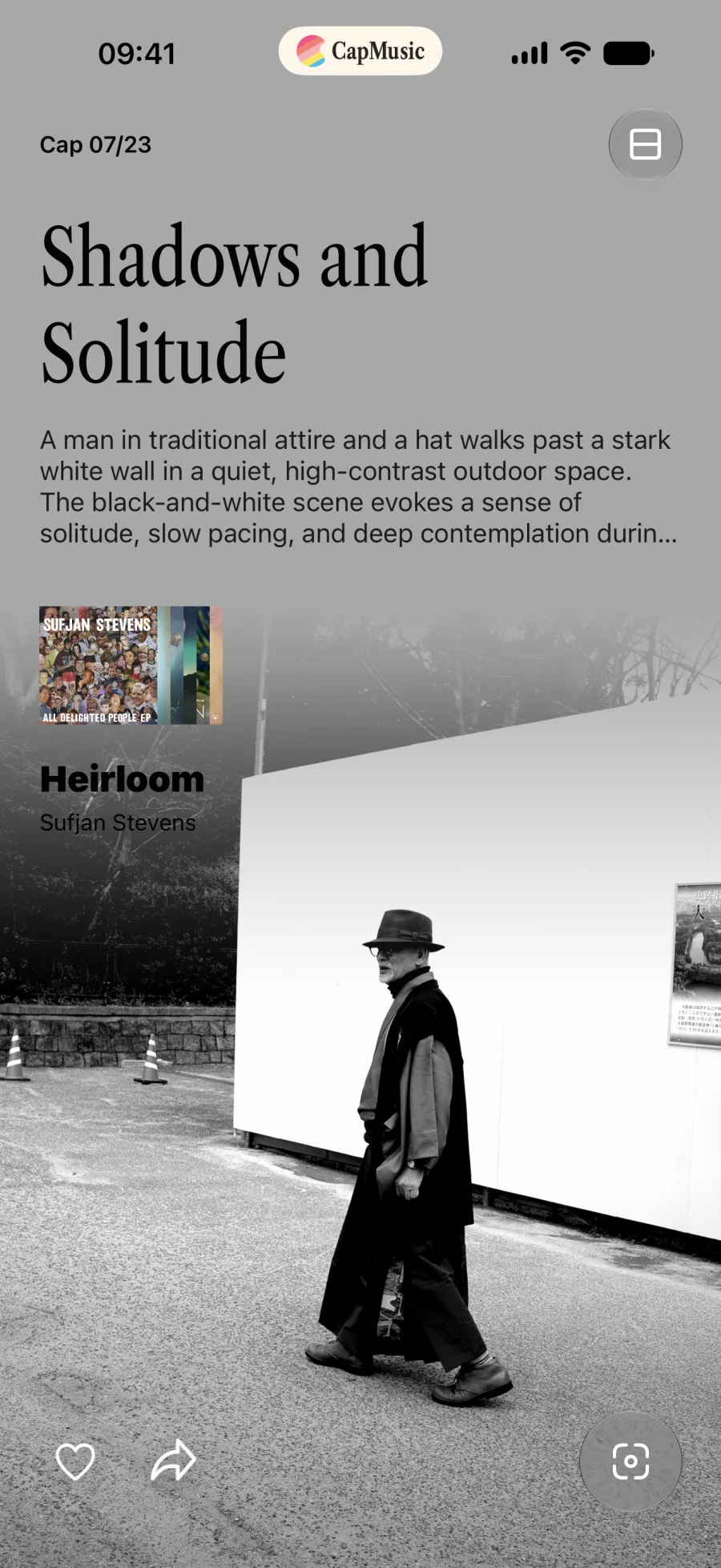
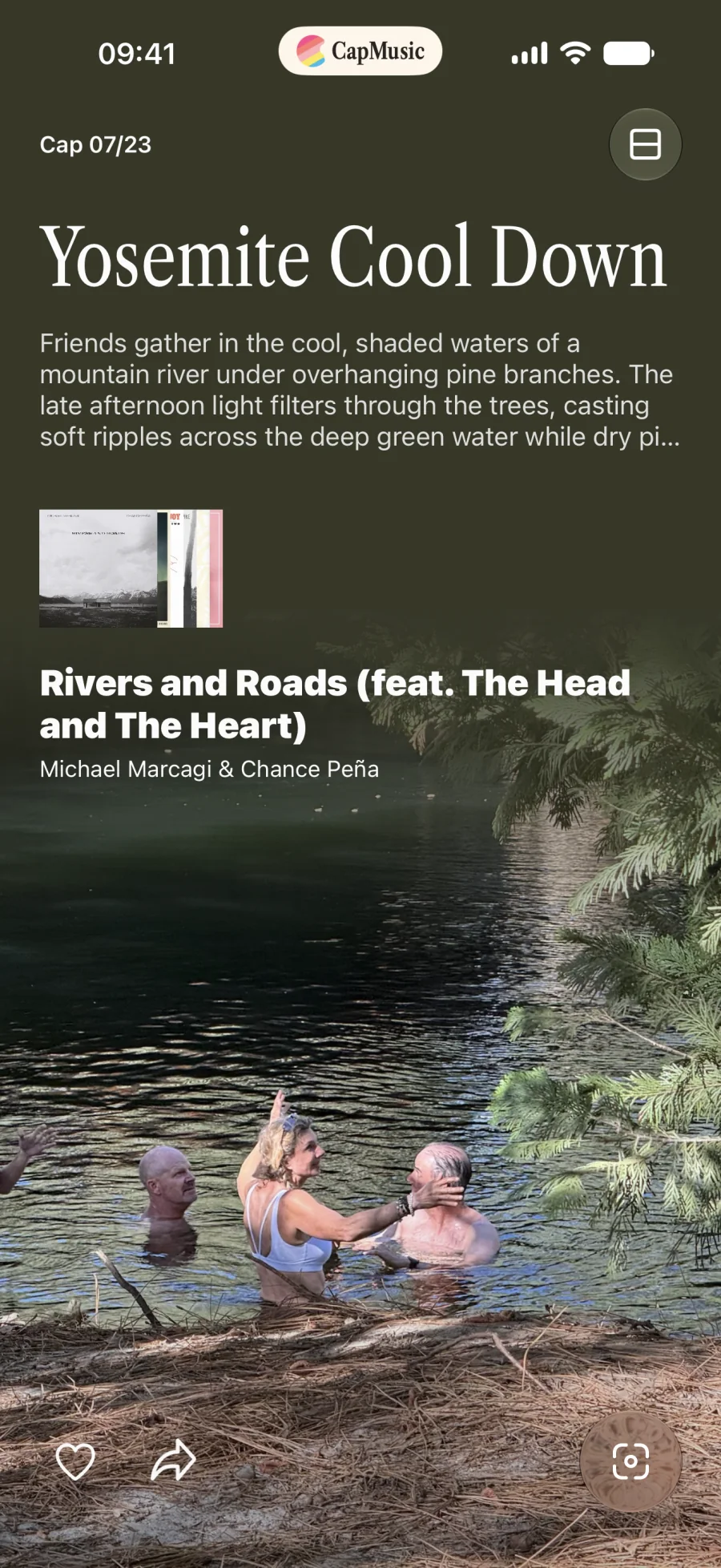
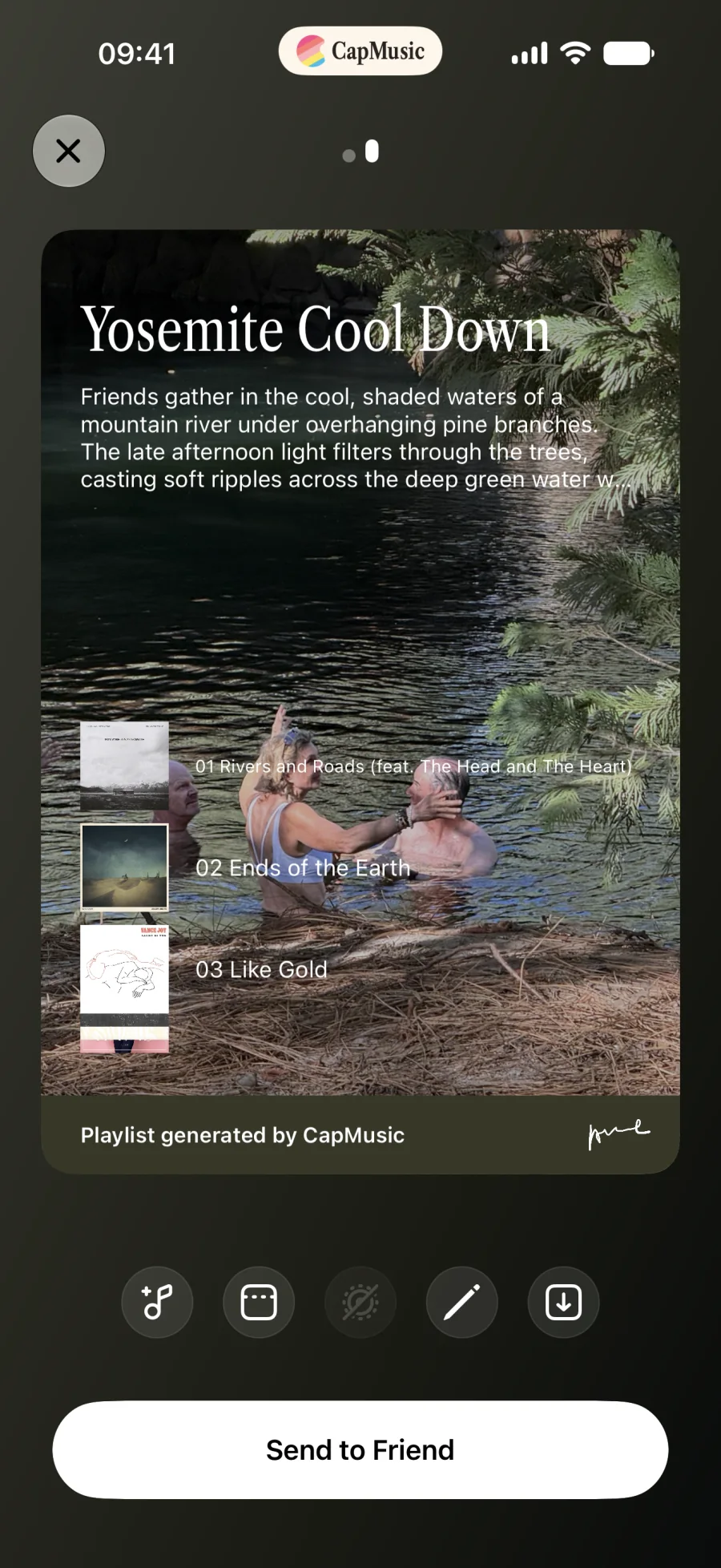
Take a photo. CapMusic reads the scene, recommends songs for the moment, and builds a playlist.

Take a new photo or choose one from your library. No prompt to write. No genre to choose first.
CapMusic looks at light, weather, color, distance, and pace to understand the whole scene.
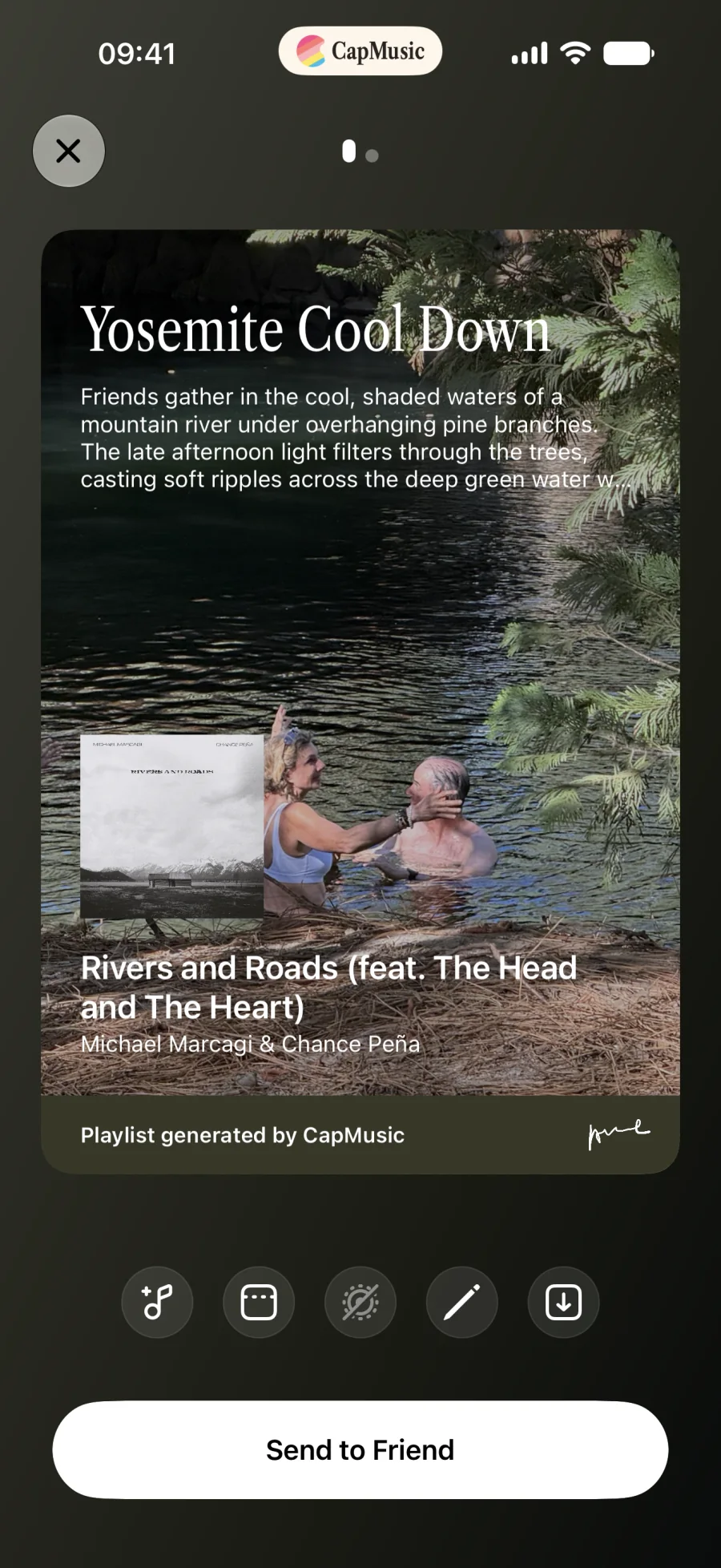
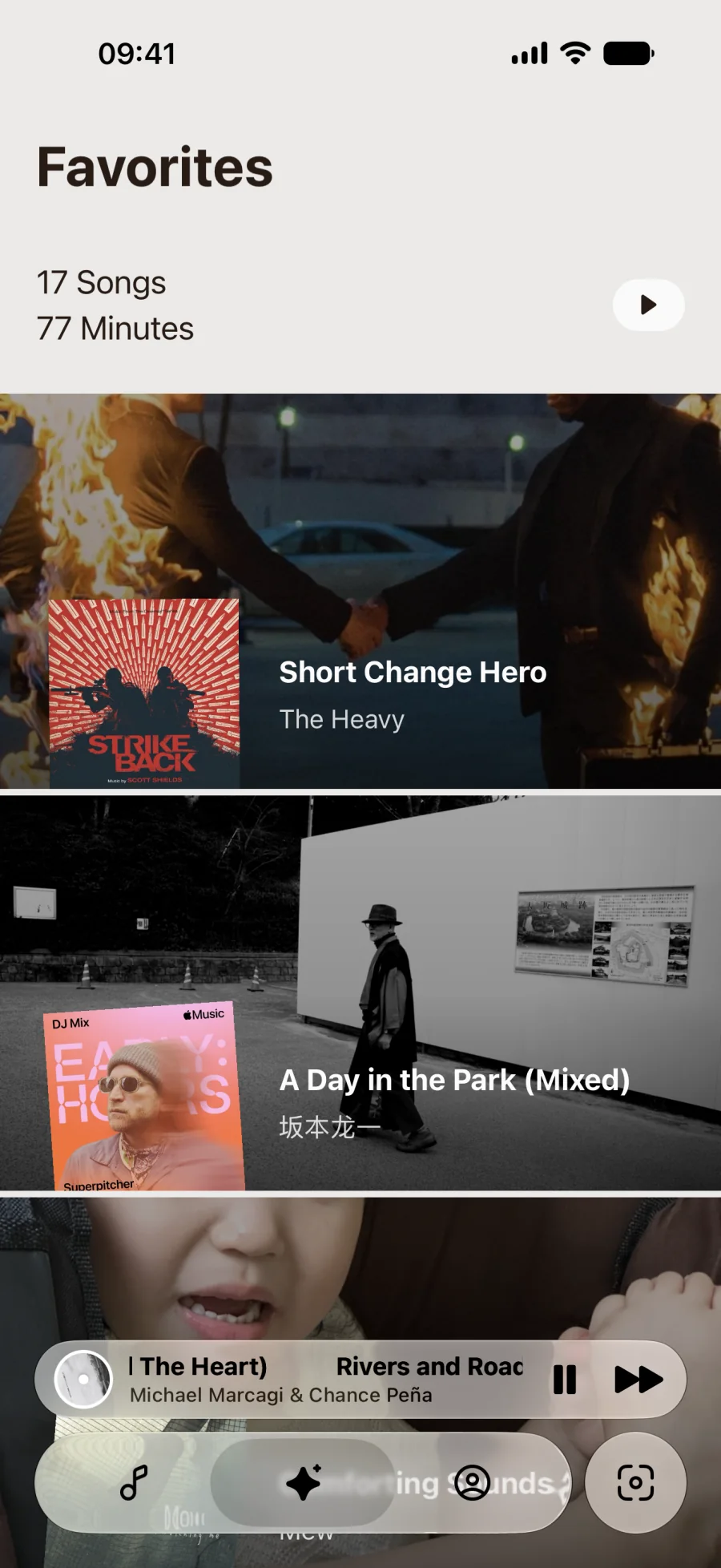
Listen in CapMusic, then open the full playlist in Apple Music.




Music apps often recommend more of what you already play. CapMusic uses the scene in a photo to recommend songs and help you discover something new.
Read our story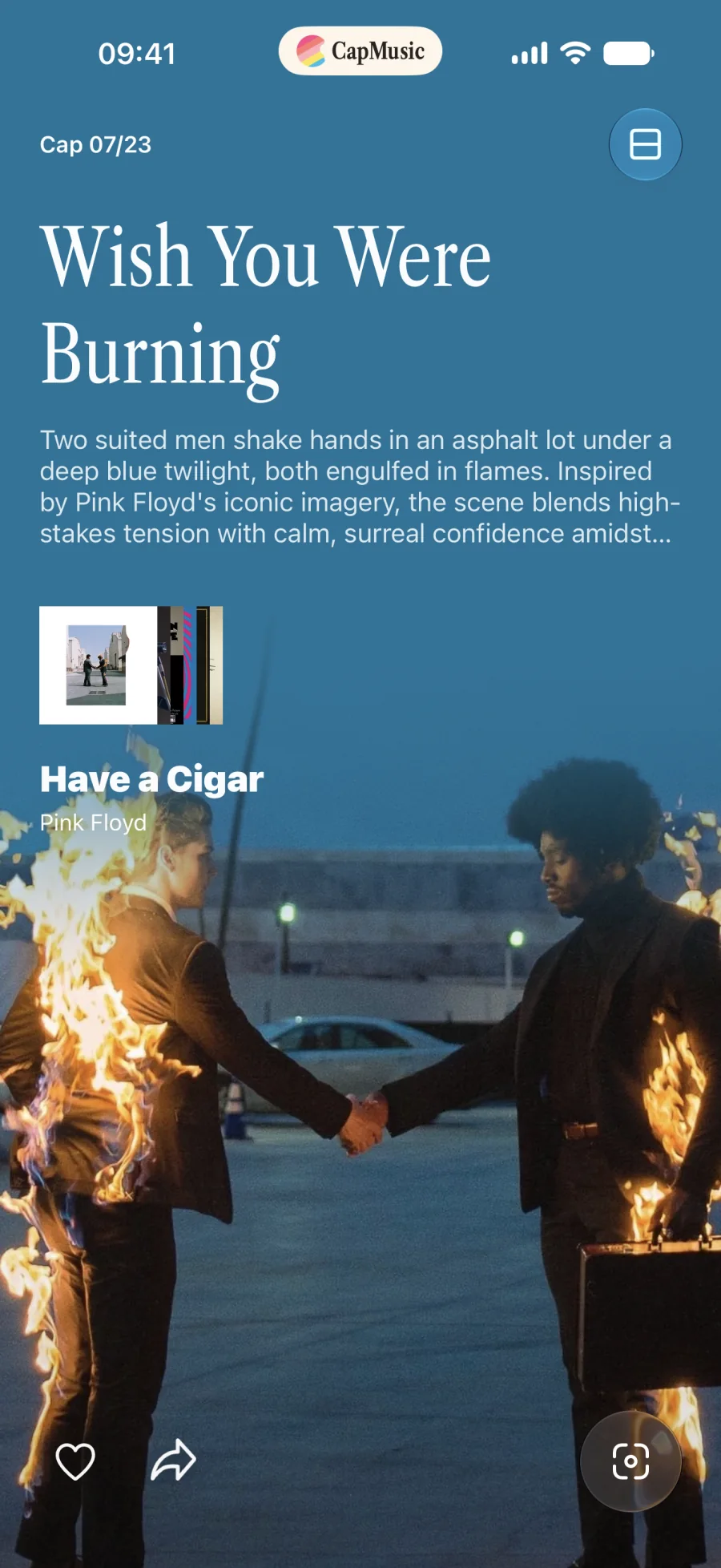
CapMusic has no proprietary user-data server. Your saved library and preferences use your private iCloud storage.
A photo is processed only when you ask CapMusic to understand a scene and create recommendations. We do not build a private photo database.

CapMusic turns the scene into recommendations and opens the full playlist in Apple Music.
Download on theApp Store